
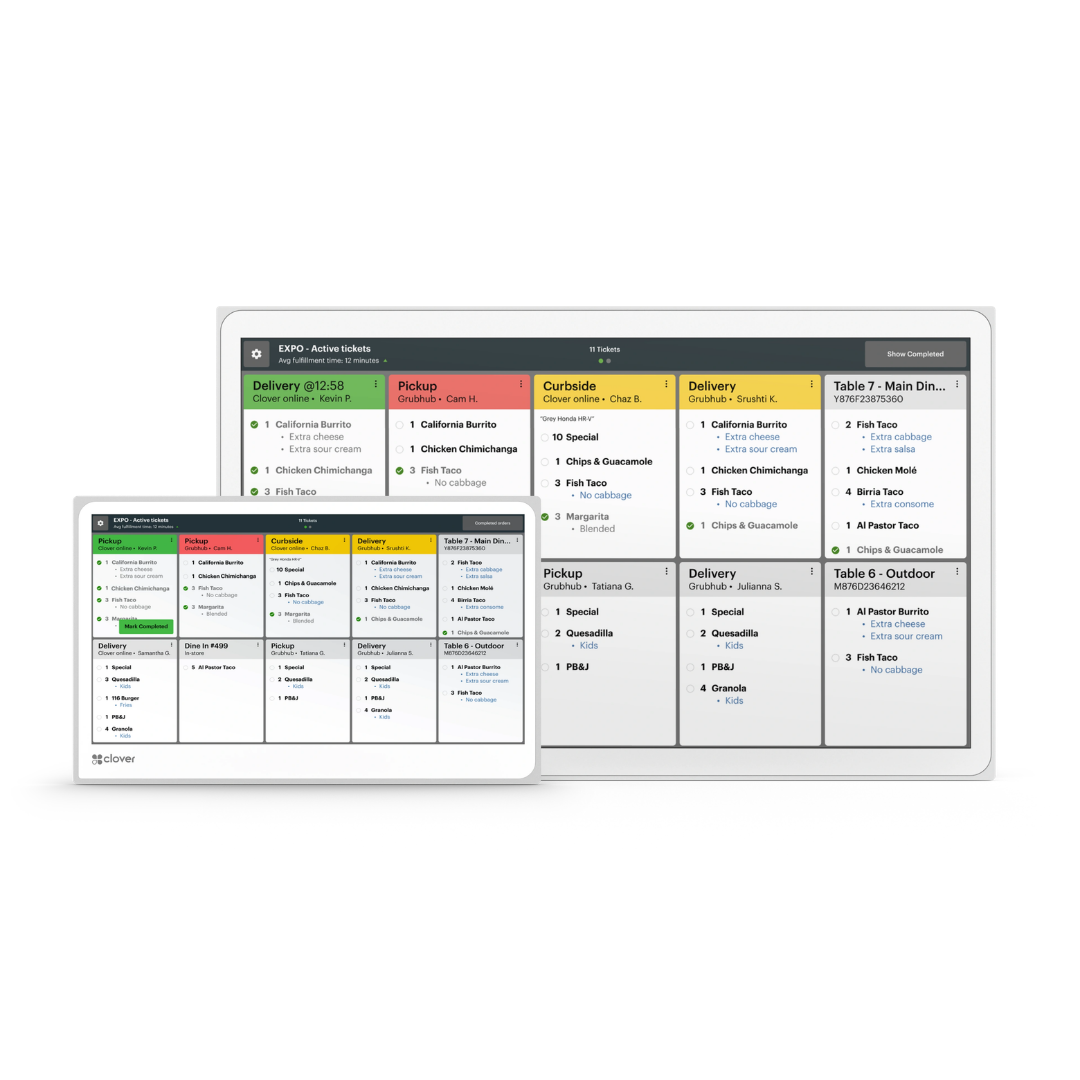

Simple, Transparent Pricing — No Surprises
Clear pricing built around how your business actually runs. We believe you should understand every dollar before you sign — so here's exactly how POS pricing works, what we charge, and what we don't.
What Goes Into Your Pricing
Point-of-sale pricing has three parts. Once you understand them, comparing providers becomes simple.
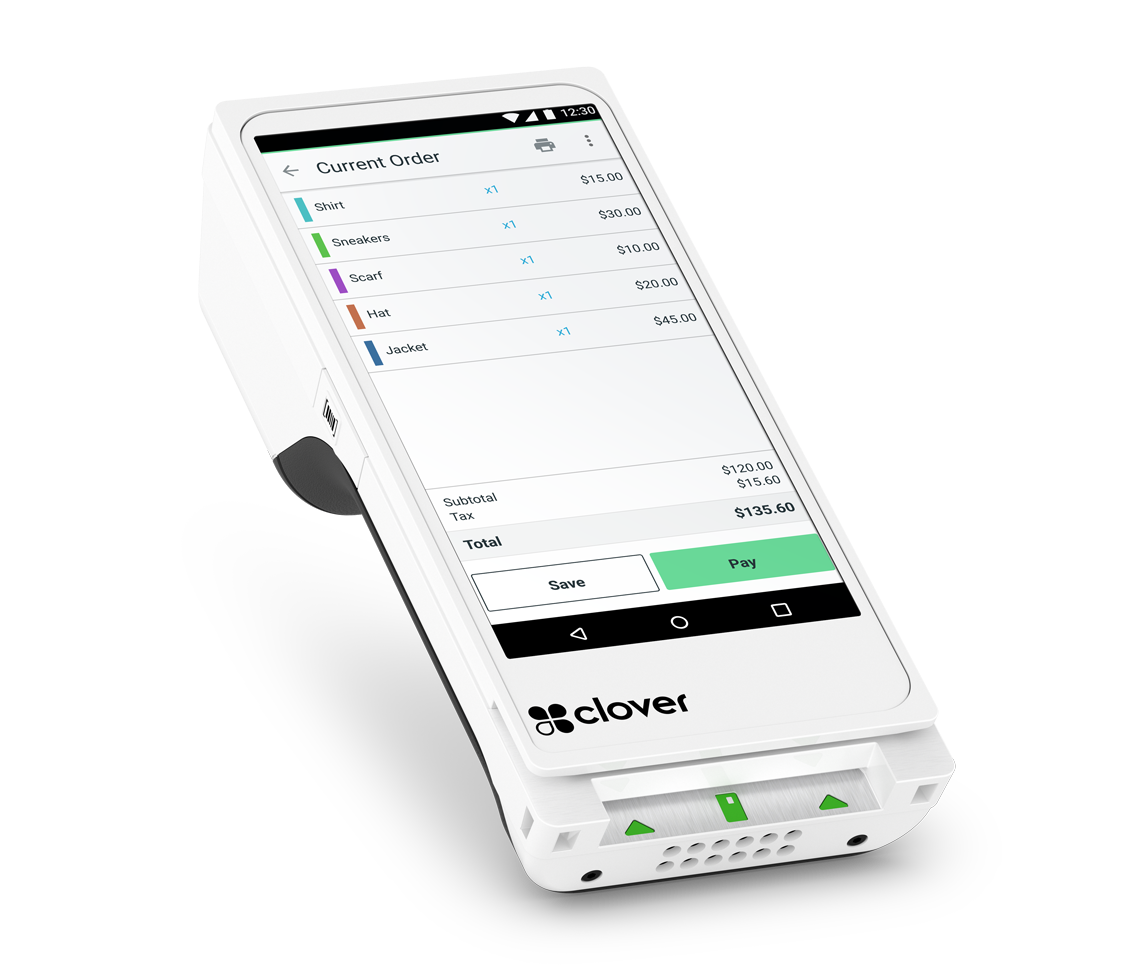
Hardware
The device itself — a one-time purchase, or spread out through a lease or rental. This is the only part you can see and hold, and you'll find exact pricing on each product page.
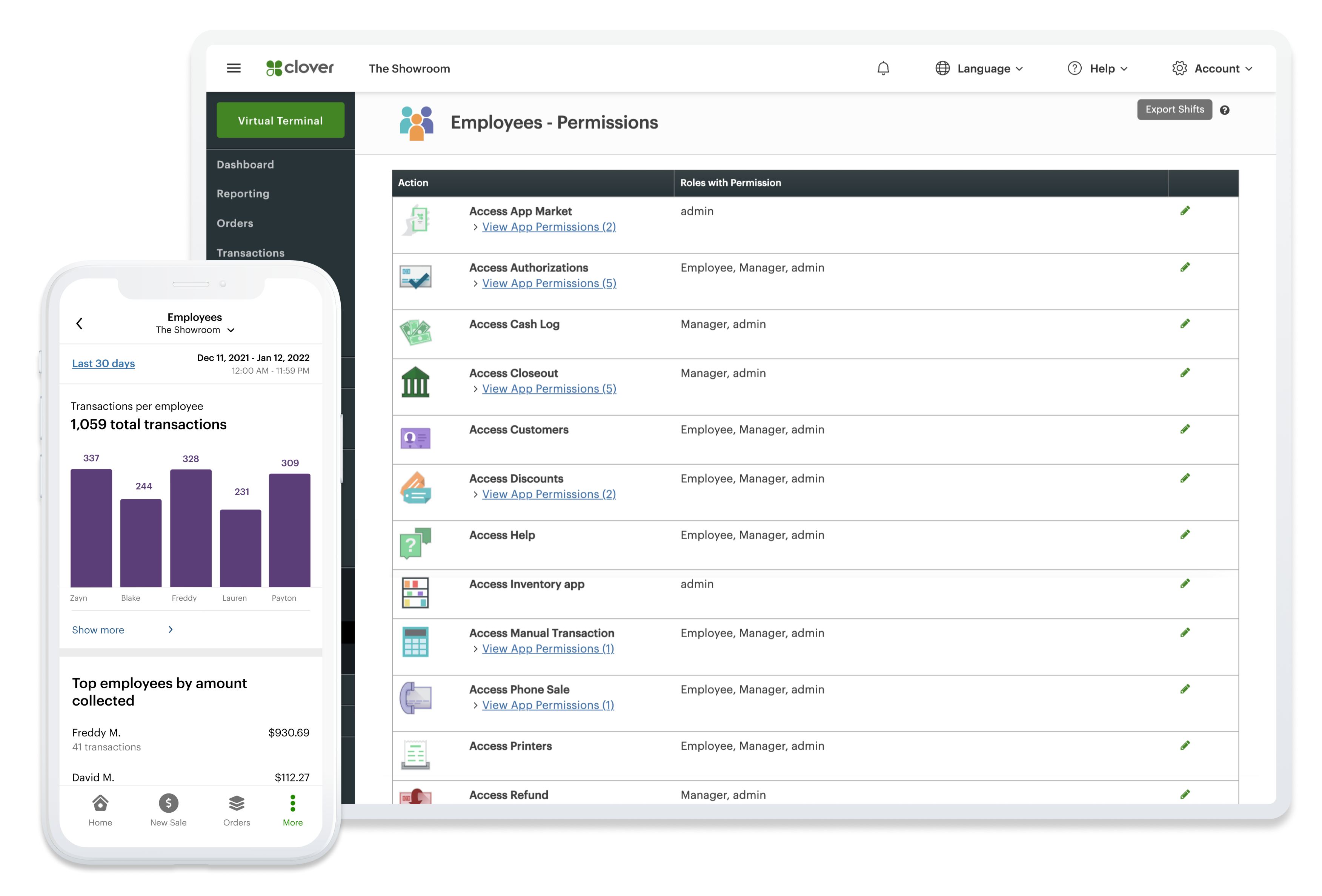
Software
A monthly plan that powers your device — taking payments, managing orders, tracking sales, and running reports. You choose the plan that matches your business, and you can change it as you grow.
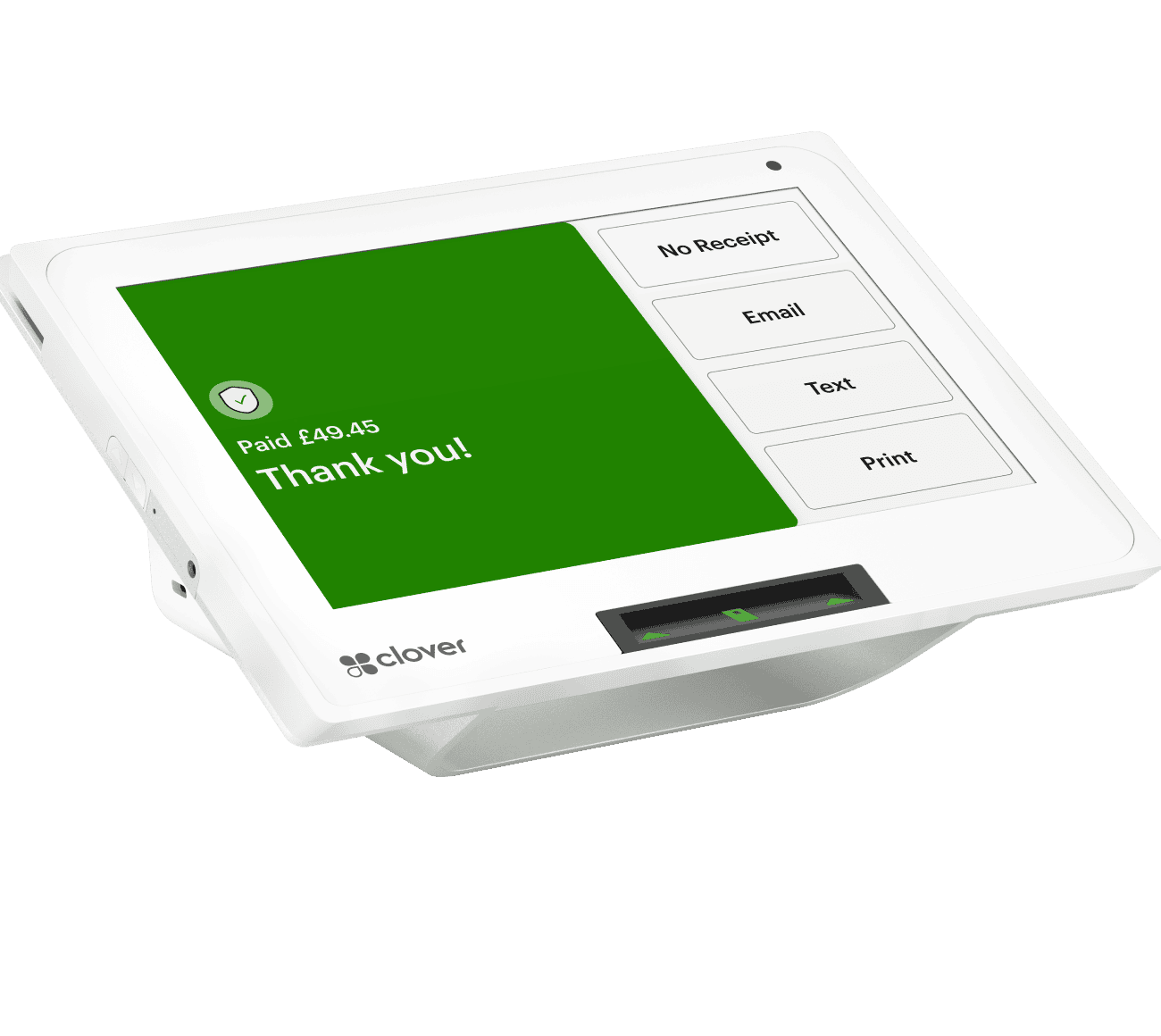
Payment Processing
The cost of accepting card payments — charged as a small rate on each transaction. This is where most of the confusion in the industry lives, so we've explained it in plain English below.
What Goes Into Your Pricing
Point-of-sale pricing has three parts. Once you understand them, comparing providers becomes simple.
Hardware
The device itself — a one-time purchase, or spread out through a lease or rental. This is the only part you can see and hold, and you'll find exact pricing on each product page.
Software
A monthly plan that powers your device — taking payments, managing orders, tracking sales, and running reports. You choose the plan that matches your business, and you can change it as you grow.
Payment Processing
The cost of accepting card payments — charged as a small rate on each transaction. This is where most of the confusion in the industry lives, so we've explained it in plain English below.
Clover Software Plans
At activation, you choose one software plan based on how your business operates — from simple payment acceptance to full restaurant management. Each plan builds on the one before it. Pricing is billed monthly, per device, and you can change plans as your needs evolve.
Payments
The no-monthly-fee entry option — pure card acceptance with basic reporting. There are no inventory, item, or employee tools, so it works best as a backup or for seasonal and pop-up setups.
What's Included:
 Accept all card and contactless payments
- Basic transaction reporting
- No monthly software fee
Essential
A light "cash-register replacement" for small, low-volume businesses stepping up from payments-only.
What's Included:
- Everything in Payments
- Order management (create, save, refund orders)
- Basic inventory & stock tracking
- Item categories, numbers & notes
- Basic sales reports
- Employee management
- Customer-facing display support
Register
Clover's core plan — a full cash-register replacement for retail and quick-service businesses that don't need kitchen routing.
What's Included:
- Everything in Register Lite
- Accept all payment types
- Full order & inventory management
- Item categories, labels & variants
- Sales reports & tax reporting
- Employee management & permissions
- Customer-facing display support
Counter Service Restaurant (CSR)
Built for quick-service restaurants, cafes, and food trucks — everything in Register, plus kitchen and menu tools.
What's Included:
- Everything in Register
- Full menu management
- Item modifiers & combos
- Kitchen printer & KDS integration
- Online ordering integration
- Bill splitting & service charges
Table Service Restaurant (TSR)
Clover's most advanced plan for full-service dining — everything in Counter Service, plus complete tableside management.
What's Included:
- Everything in Counter Service
- Floor plans & table mapping
- Tableside ordering & payments
- Course firing to the kitchen
- Bar tabs & pre-authorization
- Bill splitting & scan-to-pay
One plan is selected per device at activation and can be changed later as your business needs evolve.
Clover Software Plans
At activation, you choose one software plan based on how your business operates — from simple payment acceptance to full restaurant management. Each plan builds on the one before it. Pricing is billed monthly, per device, and you can change plans as your needs evolve.
Payments
The no-monthly-fee entry option — pure card acceptance with basic reporting. There are no inventory, item, or employee tools, so it works best as a backup or for seasonal and pop-up setups.
What's Included:
- Accept all card and contactless payments
- Basic transaction reporting
- No monthly software fee
Essential
A light "cash-register replacement" for small, low-volume businesses stepping up from payments-only.
What's Included:
- Everything in Payments
- Order management (create, save, refund orders)
- Basic inventory & stock tracking
- Item categories, numbers & notes
- Basic sales reports
- Employee management
- Customer-facing display support
Register
Clover's core plan — a full cash-register replacement for retail and quick-service businesses that don't need kitchen routing.
What's Included:
- Everything in Register Lite
- Accept all payment types
- Full order & inventory management
- Item categories, labels & variants
- Sales reports & tax reporting
- Employee management & permissions
- Customer-facing display support
Counter Service Restaurant (CSR)
Built for quick-service restaurants, cafes, and food trucks — everything in Register, plus kitchen and menu tools.
What's Included:
- Everything in Register
- Full menu management
- Item modifiers & combos
- Kitchen printer & KDS integration
- Online ordering integration
- Bill splitting & service charges
Table Service Restaurant (TSR)
Clover's most advanced plan for full-service dining — everything in Counter Service, plus complete tableside management.
What's Included:
- Everything in Counter Service
- Floor plans & table mapping
- Tableside ordering & payments
- Course firing to the kitchen
- Bar tabs & pre-authorization
- Bill splitting & scan-to-pay
One plan is selected per device at activation and can be changed later as your business needs evolve.
Understanding Payment Processing Fees
Payment processing is the most misunderstood part of the industry — and where hidden costs usually hide. Here's a plain-English breakdown of every fee type that exists in the market, so you can shop smart, compare honestly, and know exactly what you're paying for. Welsync keeps it simple: below, we'll show you what we actually charge, and what we never will.
Interchange Fees
Set by the card networks (Visa, Mastercard, etc.) and paid to the bank that issued your customer's card. These are fixed — every processor pays the exact same interchange, and no one can lower them. They make up the largest part of your rate.
Assessment Fees
The card networks' own small cut for using their system. Like interchange, these are fixed and identical across all processors.
Processor Markup
The only part that actually differs between providers — the margin your payment processor adds on top of interchange and assessments. This is what you're really comparing when you shop for a processor, and where transparency matters most.

Understanding Payment Processing Fees
Payment processing is the most misunderstood part of the industry — and where hidden costs usually hide. Here's a plain-English breakdown of every fee type that exists in the market, so you can shop smart, compare honestly, and know exactly what you're paying for. Welsync keeps it simple: below, we'll show you what we actually charge, and what we never will.
Interchange Fees
Set by the card networks (Visa, Mastercard, etc.) and paid to the bank that issued your customer's card. These are fixed — every processor pays the exact same interchange, and no one can lower them. They make up the largest part of your rate.
Assessment Fees
The card networks' own small cut for using their system. Like interchange, these are fixed and identical across all processors.
Processor Markup
The only part that actually differs between providers — the margin your payment processor adds on top of interchange and assessments. This is what you're really comparing when you shop for a processor, and where transparency matters most.
Three Ways Processors Price — and Why It Matters
Beyond the individual fees, how a processor structures your rate changes everything. There are three common models.

Flat-Rate
One simple percentage on every transaction. Easy to predict, but often more expensive at higher volumes because the simplicity is priced in.

Interchange-Plus
You pay the true interchange cost plus a clear, fixed processor markup. The most transparent model — you can see exactly what the processor earns. Generally the best value as you grow.

Tiered
Transactions are sorted into "qualified," "mid-qualified," and "non-qualified" buckets with different rates. The least transparent model — it's often unclear which bucket a transaction lands in, and it's where surprise costs tend to hide.
We'll always explain which model your pricing uses and why — no jargon, no guessing.
Three Ways Processors Price — and Why It Matters
Beyond the individual fees, how a processor structures your rate changes everything. There are three common models.
Flat-Rate
One simple percentage on every transaction. Easy to predict, but often more expensive at higher volumes because the simplicity is priced in.
Interchange-Plus
You pay the true interchange cost plus a clear, fixed processor markup. The most transparent model — you can see exactly what the processor earns. Generally the best value as you grow.
Tiered
Transactions are sorted into "qualified," "mid-qualified," and "non-qualified" buckets with different rates. The least transparent model — it's often unclear which bucket a transaction lands in, and it's where surprise costs tend to hide.
We'll always explain which model your pricing uses and why — no jargon, no guessing.
The Welsync Difference
We built our pricing to be the opposite of the fine print. Here's where we stand.
What you'll pay (clearly, every time):
 Your hardware — one-time, lease, or rental (shown on each product page)
- Your monthly software plan — the one you choose
- Competitive, clearly-explained processing rates
- The standard monthly compliance amount that keeps your account secure
What we don't believe in:
 No surprise statement fees
- No monthly minimums or hidden batch fees
- No long-term lock-in traps
- No vague "maintenance" charges
- No fine print designed to confuse
Note for Welsync: adjust the "don't charge" list to match your actual policy before publishing — only claim what's true.
The Welsync Difference
We built our pricing to be the opposite of the fine print. Here's where we stand.
What you'll pay (clearly, every time):
- Your hardware — one-time, lease, or rental (shown on each product page)
- Your monthly software plan — the one you choose
- Competitive, clearly-explained processing rates
- The standard monthly compliance amount that keeps your account secure
What we don't believe in:
- No surprise statement fees
- No monthly minimums or hidden batch fees
- No long-term lock-in traps
- No vague "maintenance" charges
- No fine print designed to confuse
Note for Welsync: adjust the "don't charge" list to match your actual policy before publishing — only claim what's true.

More Than Just a Price
With Welsync, you're not buying a device and getting left on your own. Every setup includes:

Setup & Onboarding
Wwe configure your system and get you running

Training
your team learns the device the right way

24/7 Support
real help whenever you need it

Real-Time Reporting
your sales and data, always in sync

Expert Guidance
a dedicated specialist at every stage

More Than Just a Price
With Welsync, you're not buying a device and getting left on your own. Every setup includes:
Setup & Onboarding
Wwe configure your system and get you running
Training
your team learns the device the right way
24/7 Support
real help whenever you need it
Real-Time Reporting
your sales and data, always in sync
Expert Guidance
a dedicated specialist at every stage
Pricing FAQ
Pricing Questions, Answered
We'll always be upfront about any terms before you commit — no traps in the fine print. Talk to a specialist for the details that apply to your setup.
Yes. You choose a plan at activation and can change it as your business grows or changes.
PCI compliance is required for any business accepting card payments. The standard monthly amount covers ongoing security validation that keeps cardholder data protected.
Depends on how you acquire it — buying it outright means you own it; leasing or renting are also available. See each product page for options.
Rates depend on your business type, volume, and the cards your customers use. We'll review your situation and explain your rate clearly — no guessing.
No. The whole point of this page is that you see the full picture before you sign. If a cost exists, we'll explain it.
Pricing FAQ
Pricing Questions, Answered
We'll always be upfront about any terms before you commit — no traps in the fine print. Talk to a specialist for the details that apply to your setup.
Yes. You choose a plan at activation and can change it as your business grows or changes.
PCI compliance is required for any business accepting card payments. The standard monthly amount covers ongoing security validation that keeps cardholder data protected.
Depends on how you acquire it — buying it outright means you own it; leasing or renting are also available. See each product page for options.
Rates depend on your business type, volume, and the cards your customers use. We'll review your situation and explain your rate clearly — no guessing.
No. The whole point of this page is that you see the full picture before you sign. If a cost exists, we'll explain it.
Ready to Upgrade Your Business Operations?
Modern POS systems and payment solutions built to help businesses operate smarter, faster, and more efficiently.
Products
©All Rights Reserved 2026 - WELSYNC . Powered by Apex Web Studios